
Overview
There are different ways you can perform a factory reset on the DTEN ME and DTEN ME Pro devices, as below:
- On the device
- In the Orbit Portal (Pro, Plus, Premium license only) - Refer to the documentation here
Prerequisites:
- Minimum DTEN ME or DTEN ME Pro firmware version requirement is v1.5.4 or higher
On the device
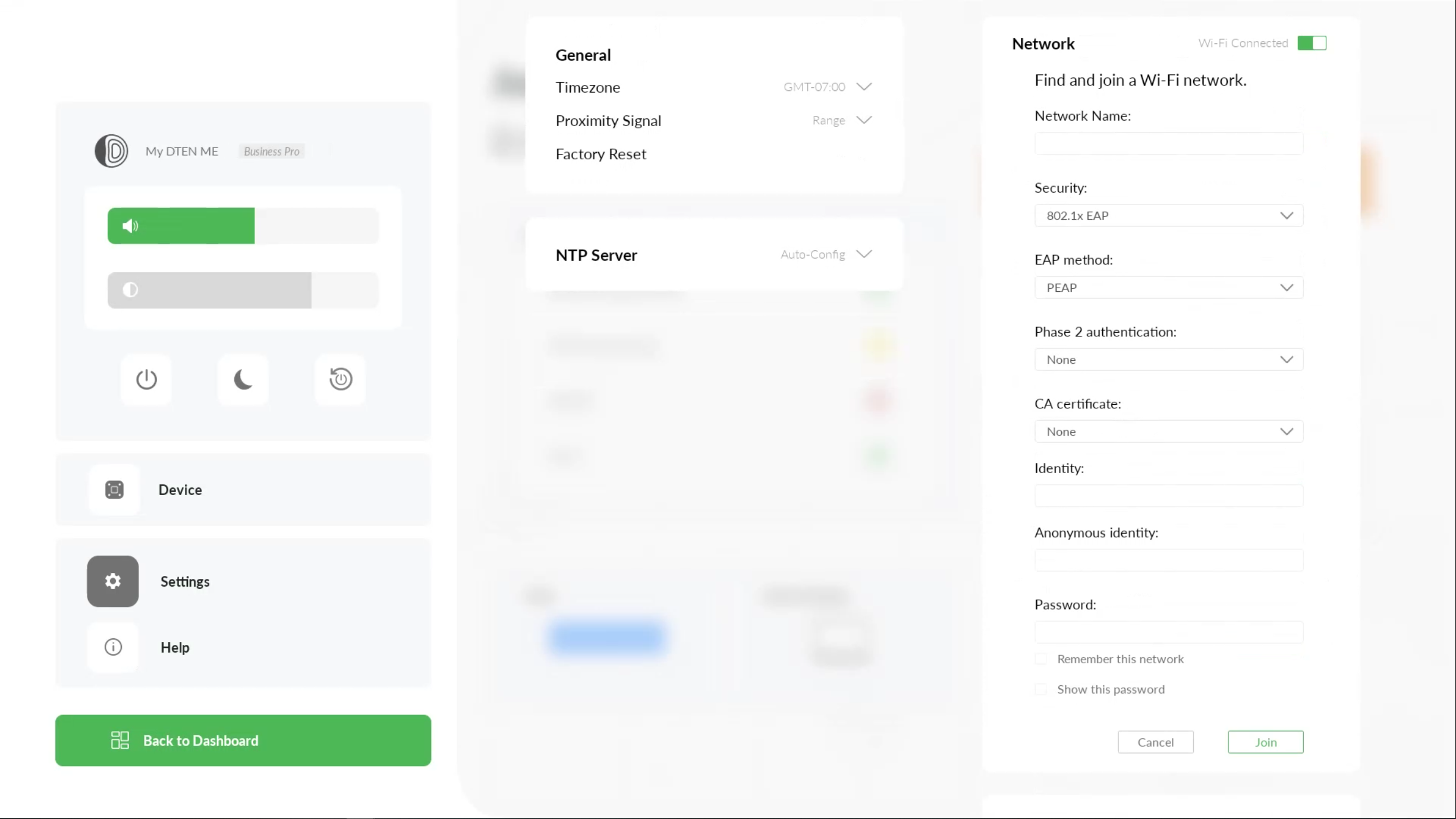
- While in Monitor Mode, swipe right to left on the touch screen with three fingers to access the Dashboard menu
- Press Factory Reset to begin the factory reset
- To stop the factory reset, press the Cancel button
In the Orbit Portal (Pro, Plus, Premium license only)
- Refer to the documentation here
If you have additional questions or need to contact DTEN Support, please refer to this DTEN Knowledge Base article for more details: HERE.
Was this article helpful?
That’s Great!
Thank you for your feedback
Sorry! We couldn't be helpful
Thank you for your feedback
Feedback sent
We appreciate your effort and will try to fix the article