
Overview
Starting with Zoom Rooms Version 5.1.0, you will be able to use the DTEN devices with your personal Zoom account. Zoom for Home offers the same functionality as Zoom Rooms.
Prerequisite
- Zoom account
- Zoom for Home DTEN Device
Steps to sign in with your Personal Account
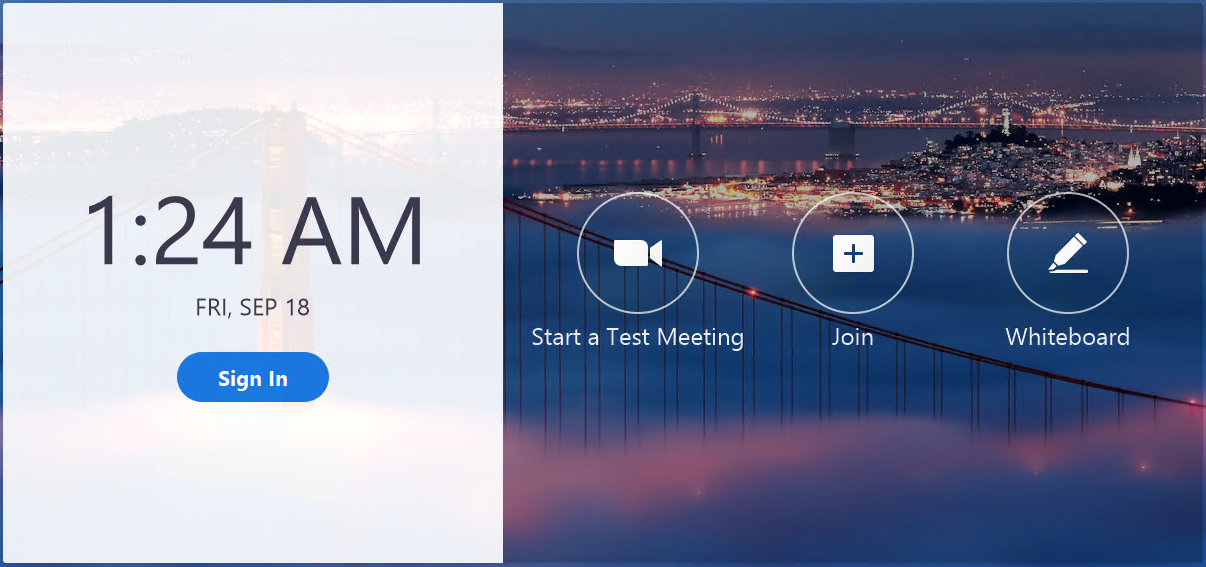
1. Tap on Sign In
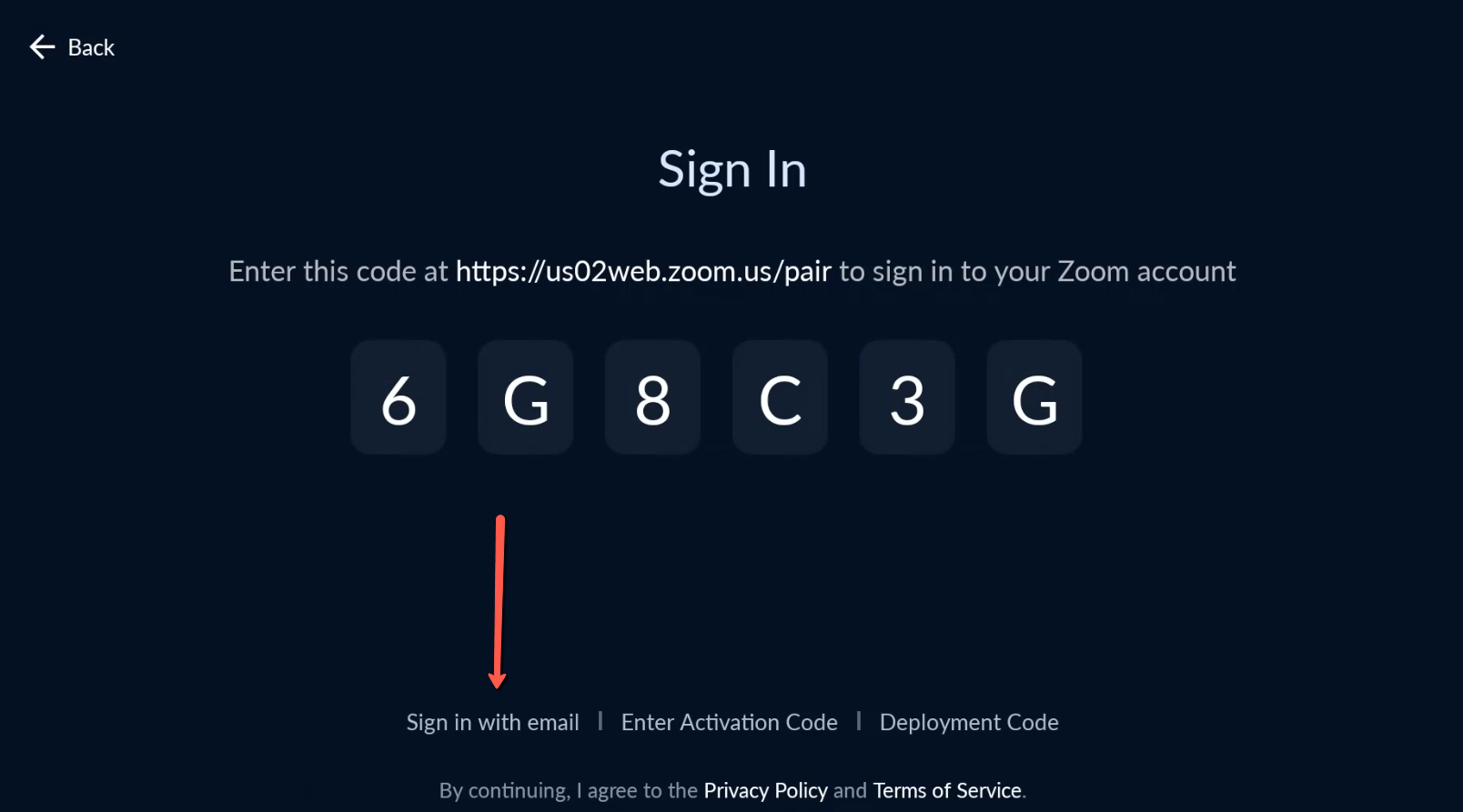
2. On the Sign In screen, please select Sign In with Email
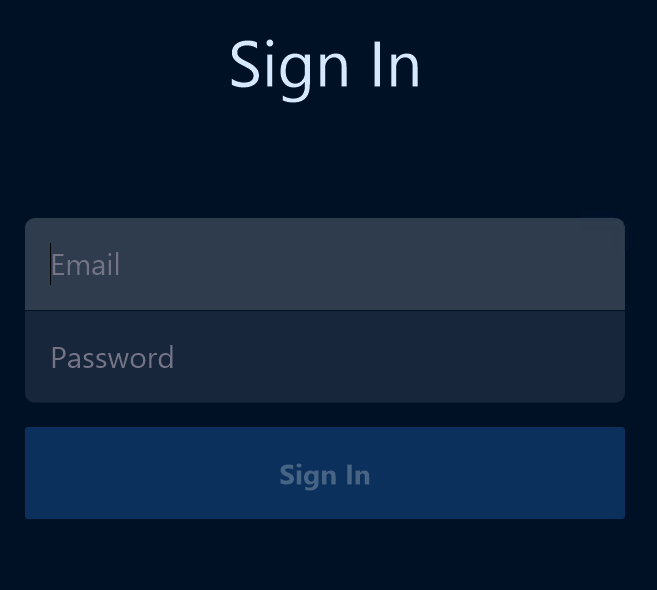
3. Enter your Zoom Account's Email and Password
4. Tap on +Create a Personal Zoom Room

You are now logged into your Personal Zoom Room. If you would like to provision a Personal Zoom Room for a user, please take a look at this article Provisioning Zoom for Home devices
If you have additional questions or need to contact DTEN Support, please refer to this DTEN Knowledge Base article for more details: HERE.
Was this article helpful?
That’s Great!
Thank you for your feedback
Sorry! We couldn't be helpful
Thank you for your feedback
Feedback sent
We appreciate your effort and will try to fix the article