
Please go to Zoom.us to check the latest version. To check what version your unit please follow the instructions below:
-
Press and hold on the screen, you will then see a light gray box
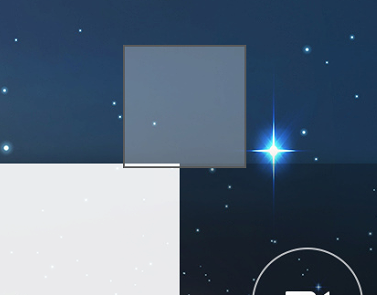
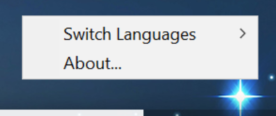
- Let go and a menu popup will appear
-
please press the About…
-
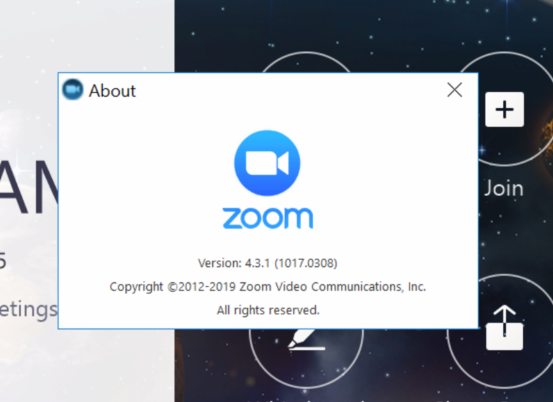
This will let you know the current version of Zoom Rooms on your unit.
If you have additional questions or need to contact DTEN Support, please refer to this DTEN Knowledge Base article for more details: HERE.
Was this article helpful?
That’s Great!
Thank you for your feedback
Sorry! We couldn't be helpful
Thank you for your feedback
Feedback sent
We appreciate your effort and will try to fix the article