
New
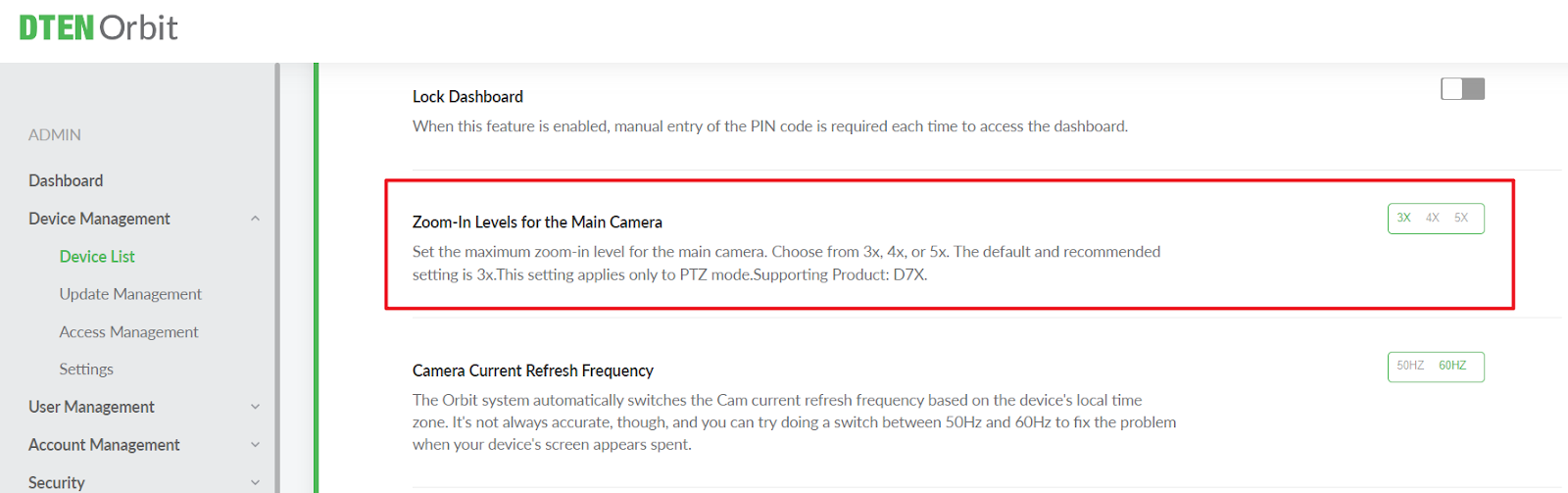
- In the Orbit device setting page, users can set the Zoom-In Levels for the Main Camera and set the maximum zoom-in level for the main camera. Choose from 3x, 4x, or 5x. The default and recommended setting is 3x. This setting applies only to PTZ mode. Supporting Product: D7X. The device side will support from V3.8.6 (Not released yet)
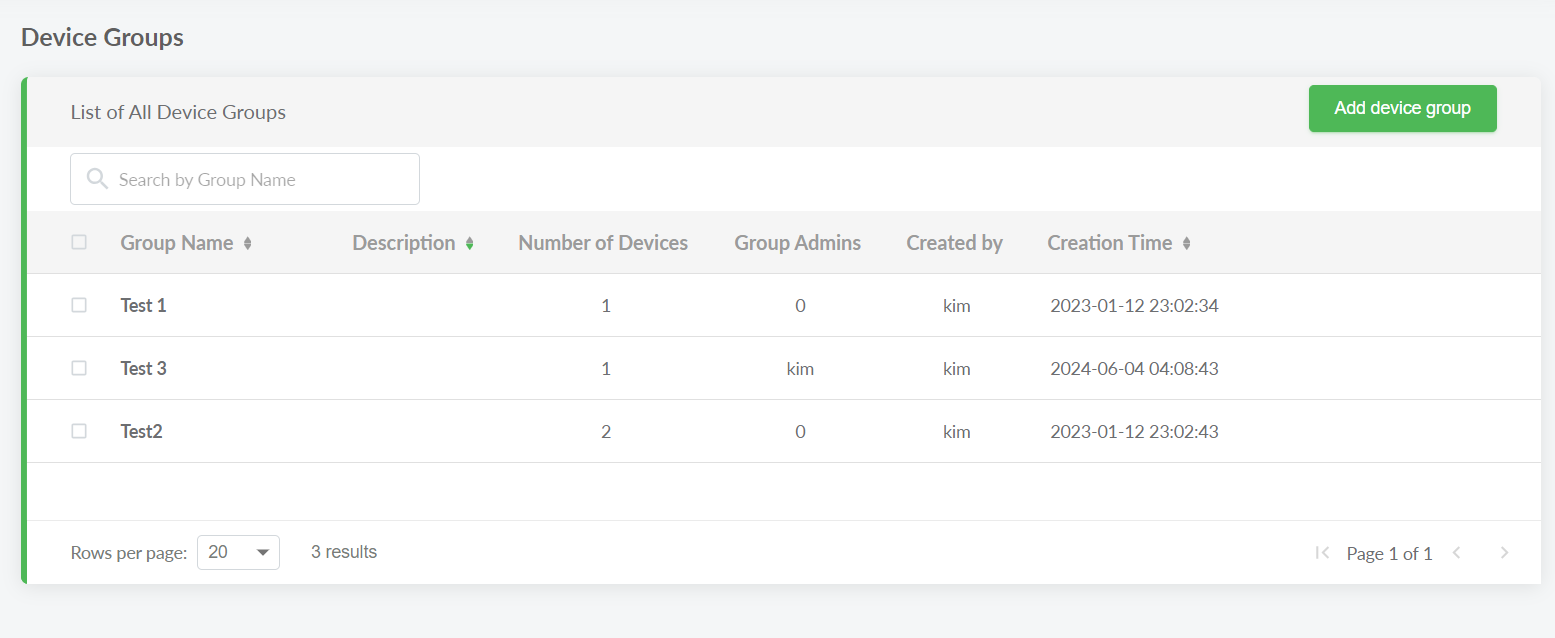
- Support sorting in Orbit Device Group by Group Name, Description, and Creation Time.
Modified
- N/A
Resolved
- N/A
Known Issue
- N/A
Was this article helpful?
That’s Great!
Thank you for your feedback
Sorry! We couldn't be helpful
Thank you for your feedback
Feedback sent
We appreciate your effort and will try to fix the article