
Please check the following:
- Make sure the power cord is plugged into the electrical outlet
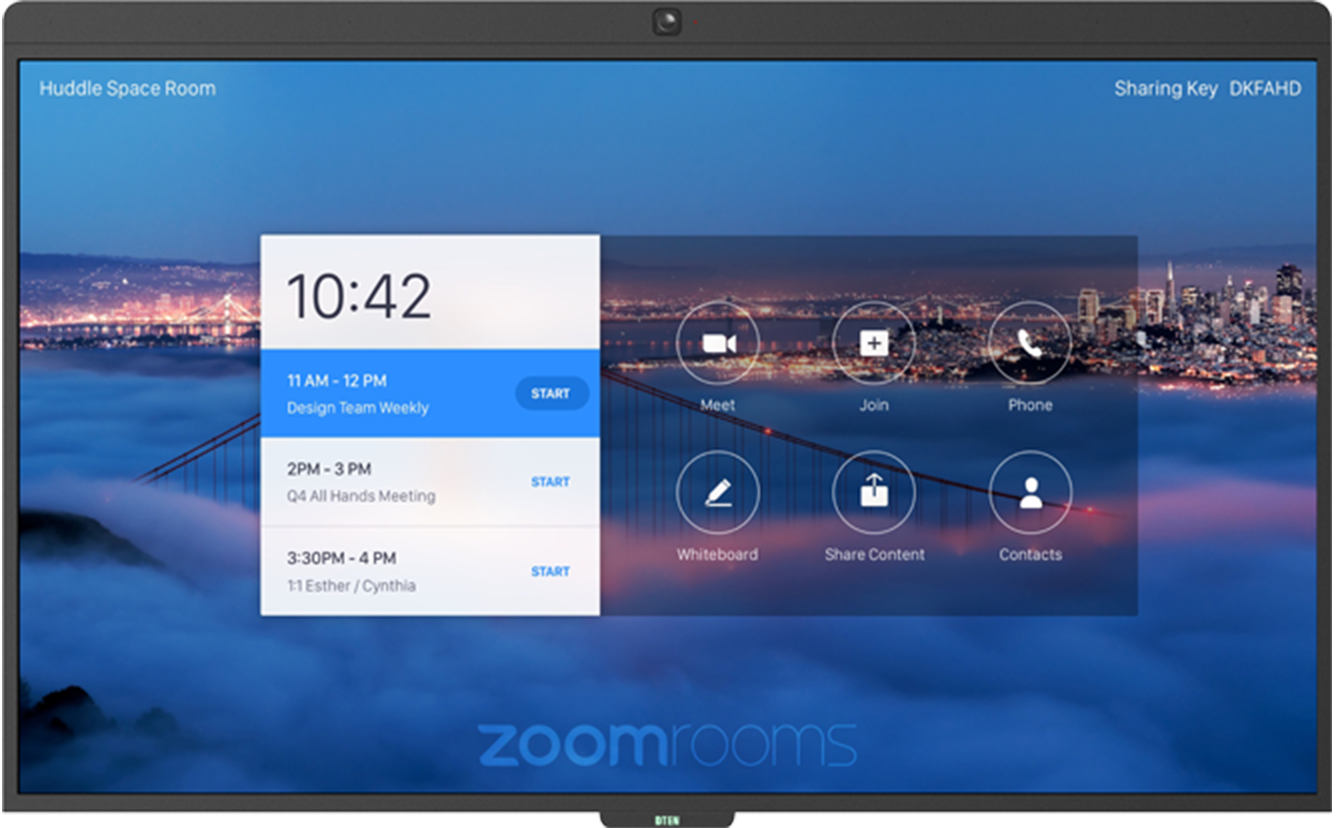
- Check DTEN light on the bottom panel on the front of the display lights
Steps to reboot your D7 55":
- Press the Power button on the back right side; the bottom button.
- Press the Power switch on the bottom middle section of your unit.
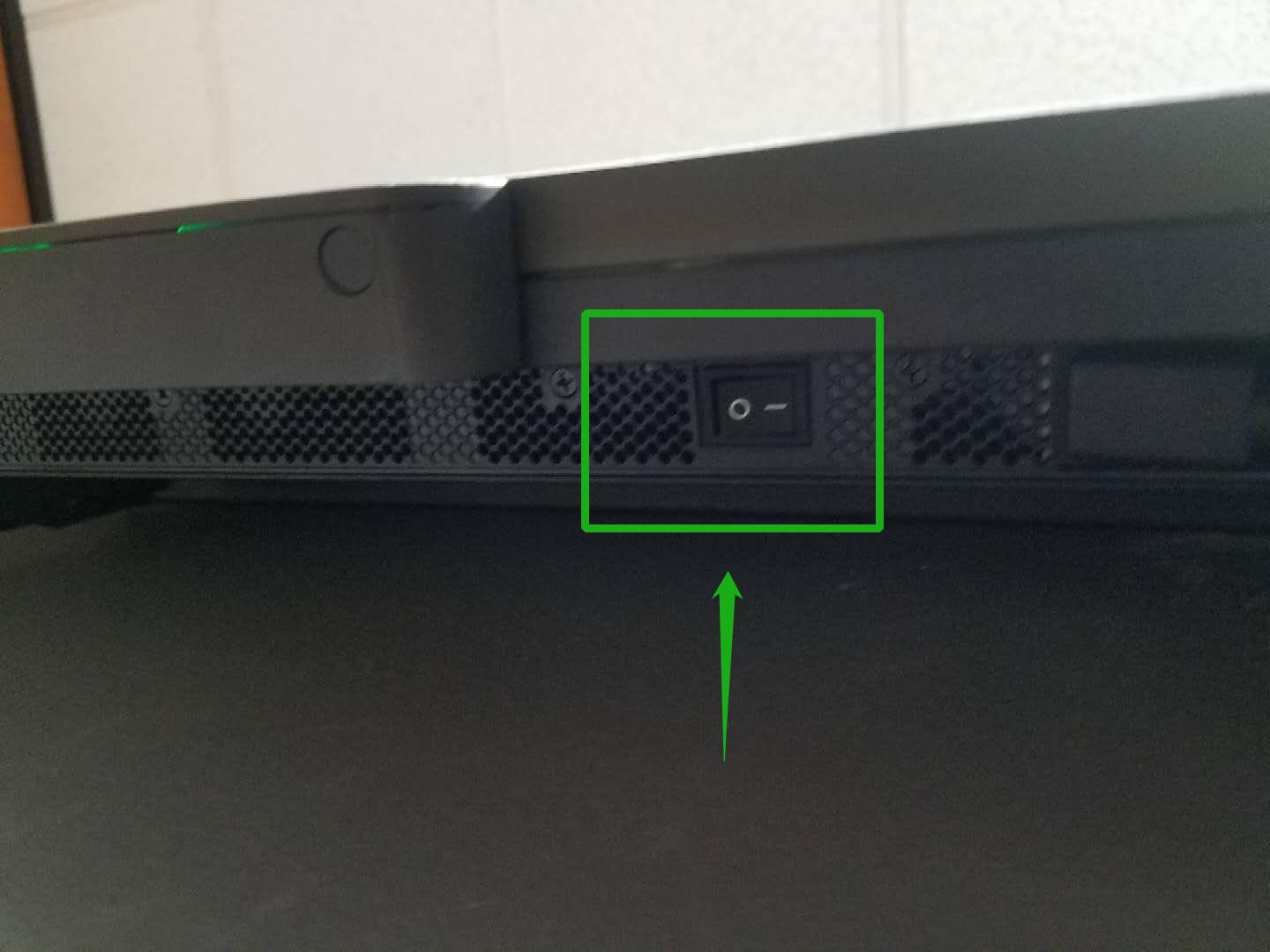
- Please wait for 5 minutes and then turn the Power Switch back on.
- The DTEN light on the bottom panel of the display will light up
- The DTEN board will boot up
If you have additional questions or need to contact DTEN Support, please refer to this DTEN Knowledge Base article for more details: HERE.
Was this article helpful?
That’s Great!
Thank you for your feedback
Sorry! We couldn't be helpful
Thank you for your feedback
Feedback sent
We appreciate your effort and will try to fix the article